
Creating content in 2026 is easier than it used to be, but it is also more competitive than ever. Whether you run a blog, a YouTube channel, an Instagram page, or a small online business, one thing is clear: content takes time. You need ideas, scripts, captions, visuals, editing, and sometimes even voiceovers. Doing everything manually can quickly become exhausting.
That is why many creators are now using AI tools to speed up their workflow and stay consistent without losing quality.
The good news is that you do not need expensive software or advanced skills to get started. There are now plenty of AI tools that help with writing, image generation, design, editing, planning, and research. Some are completely free, while others offer generous free plans that are good enough for beginners.
In this guide, you will find the best AI tools for content creators in 2026, what they are good for, and how to use them wisely without making your content sound robotic or generic.
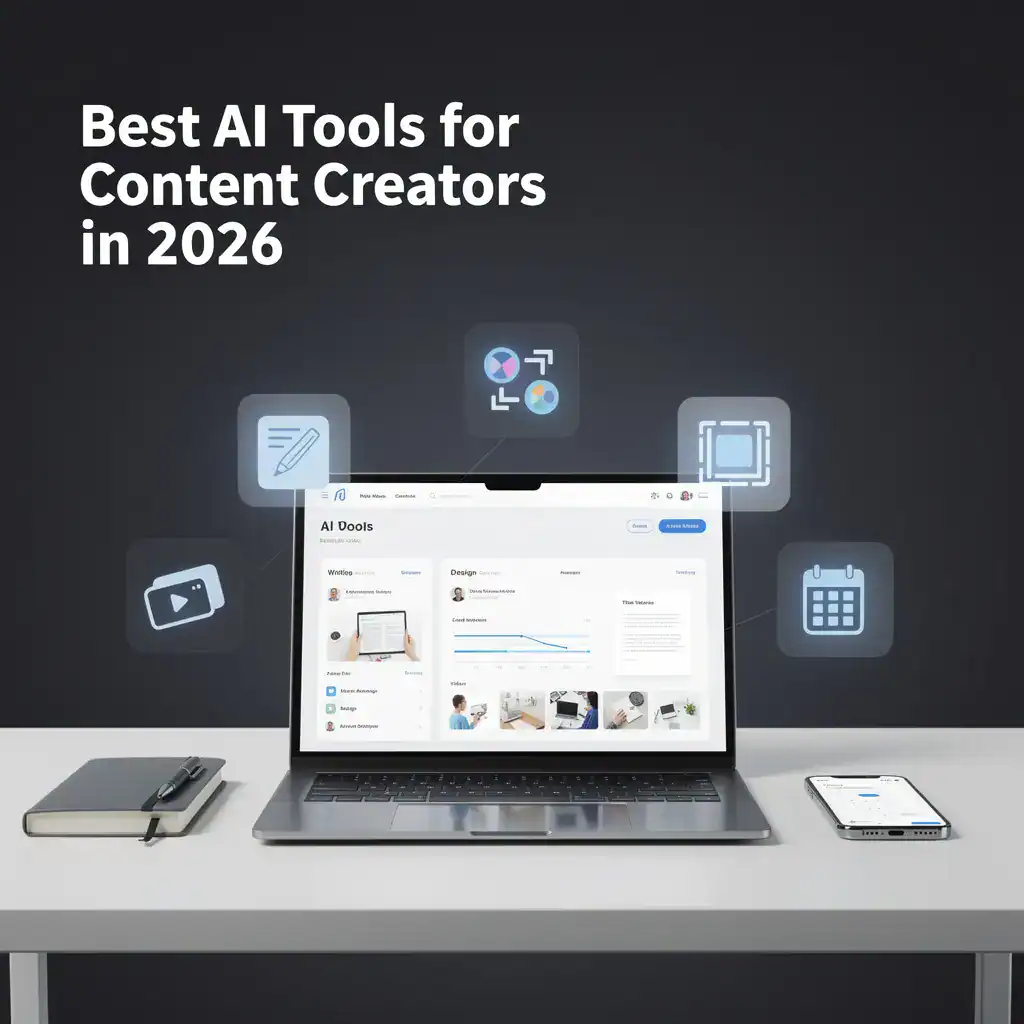
Why Content Creators Are Using AI More Than Ever
Contents
- 1 Why Content Creators Are Using AI More Than Ever
- 2 What Makes a Good AI Tool for Content Creation
- 3 1. ChatGPT – Best for Writing, Brainstorming, and Content Planning
- 4 2. Canva AI – Best for Quick Designs, Thumbnails, and Social Graphics
- 5 3. CapCut – Best for Fast Video Editing
- 6 4. Notion AI – Best for Organizing Ideas and Content Workflow
- 7 5. Midjourney or AI Image Generators – Best for Unique Visual Concepts
- 8 6. Grammarly – Best for Polishing Your Writing
- 9 7. Descript – Best for Editing Audio and Video by Text
- 10 How to Use AI Without Making Your Content Sound Fake
- 11 Which AI Tool Is Best for Beginners
- 12 Are AI Tools Worth It for Content Creators in 2026
- 13 Final Thoughts
AI is no longer just a trend. It has become a practical assistant for everyday work.
For content creators, the biggest challenge is usually not talent. It is time. Coming up with fresh ideas, creating visual assets, editing content, and publishing consistently can drain energy very quickly. AI helps reduce repetitive work so that creators can focus more on creativity, storytelling, and strategy.
Used properly, AI can help you:
- generate content ideas faster
- write first drafts and outlines
- create social media captions
- design thumbnails and visuals
- edit short videos more efficiently
- repurpose one piece of content into multiple formats
- improve productivity without hiring a full team
That said, the best results still come when AI supports your work rather than replaces your voice.
What Makes a Good AI Tool for Content Creation

Not every AI tool is worth using. Some look impressive at first but become frustrating after a few tries.
A good AI tool for content creators should be:
- easy to use
- fast and reliable
- useful for real tasks
- beginner friendly
- capable of improving workflow
- affordable or free to start
- flexible enough for different types of creators
The tools below were selected based on practical usefulness, not hype alone.
1. ChatGPT – Best for Writing, Brainstorming, and Content Planning
ChatGPT is still one of the most useful AI tools for content creators in 2026. It helps with brainstorming ideas, building outlines, rewriting sentences, generating hooks, writing captions, and planning content calendars.
If you are a blogger, ChatGPT can help you create article structures and speed up the drafting process. If you are a video creator, it can help you write scripts, titles, and descriptions. Social media creators can use it for content prompts, carousel text, and short-form post ideas.
The real value of ChatGPT is not in copying what it gives you word for word. The real value is using it as a smart assistant to get unstuck and move faster.
Best for:
- blog outlines
- social media captions
- YouTube script ideas
- content planning
- rewriting and improving drafts
Tip: Use it to create a first draft, then add your own examples, opinions, and personal style.
You may also like: How to Use ChatGPT Like a Pro in 2026 – Beginner Friendly Guide
2. Canva AI – Best for Quick Designs, Thumbnails, and Social Graphics
Canva has become one of the most practical design platforms for content creators, and its AI features make the process even faster. You can generate design ideas, remove backgrounds, resize graphics, create social posts, and build thumbnails without needing advanced design experience.
For bloggers and YouTubers, Canva is especially useful because it saves time. Instead of building everything from scratch, you can use templates and let AI help you adjust the design faster.
It is a great option for creators who want polished visuals without spending hours on design.
Best for:
- blog graphics
- Pinterest pins
- YouTube thumbnails
- Instagram posts
- presentation-style visuals
Tip: Keep your branding consistent by using the same colors, fonts, and style across your designs.
Related read: Canva AI Features Review 2026 – Is It Really Worth Using
3. CapCut – Best for Fast Video Editing
If you create short videos, reels, tutorials, or YouTube content, CapCut is one of the best AI-assisted tools available right now. It is especially useful for beginners because the editing process feels simple and visual.
CapCut helps with auto captions, background removal, music syncing, visual effects, and quick mobile editing. Many creators use it to turn raw clips into polished short-form content without needing expensive editing software.
It is not just a trendy app. It is a real productivity tool for modern creators.
Best for:
- short-form videos
- reels and TikTok content
- simple YouTube edits
- mobile editing
- auto captions
Tip: Do not overuse transitions and effects. Clean editing usually performs better than flashy editing.
Helpful guide: How to Use CapCut — Complete Beginner Guide 2026
4. Notion AI – Best for Organizing Ideas and Content Workflow
Content creation is not only about making things. It is also about staying organized. That is where Notion AI becomes useful.
You can use it to manage article ideas, create content calendars, summarize notes, plan campaigns, and organize your workflow in one place. For solo creators, this can save a lot of mental energy.
Instead of keeping ideas scattered across different apps, you can build a proper system and use AI to simplify planning.
Best for:
- content planning
- note summaries
- workflow organization
- idea storage
- editorial calendar setup
Tip: Create one dashboard for blog posts, videos, social posts, and content ideas so everything stays easy to manage.
5. Midjourney or AI Image Generators – Best for Unique Visual Concepts
Visuals matter more than ever, especially for creators trying to stand out online. AI image generators can help produce unique illustrations, concept art, stylized scenes, and creative assets for blog visuals, social media, and branding.
These tools are not always necessary for every creator, but they can be powerful when you want custom visuals without hiring an illustrator.
If you write blog posts, educational content, or niche tutorials, AI-generated visuals can help make your content more eye-catching.
Best for:
- creative blog images
- concept visuals
- post covers
- unique social graphics
- visual storytelling
Tip: Always review AI-generated images carefully and avoid using visuals that look unrealistic, confusing, or low quality.
Related read: Best Free AI Image Generators in 2026 – No Design Skills Needed
6. Grammarly – Best for Polishing Your Writing
Even strong writers make small mistakes. Grammarly helps clean up grammar, spelling, clarity, and tone. It is especially helpful when you write quickly and do not want careless mistakes to reduce trust.
For bloggers, email writers, and social media creators, this tool acts like a final quality check before publishing. It does not replace your thinking, but it helps make your writing cleaner and easier to read.
Best for:
- proofreading blog posts
- fixing grammar mistakes
- improving clarity
- checking tone
- polishing email or caption writing
Tip: Use Grammarly as a final editor, not a replacement for your natural voice.
7. Descript – Best for Editing Audio and Video by Text
Descript is a very useful tool for podcasters, video creators, and anyone who works with spoken content. It allows you to edit audio and video by editing the transcript, which saves a lot of time.
That means instead of manually searching through a timeline, you can simply remove words from the text and the media updates with it. This feels much easier for creators who are not professional editors.
Best for:
- podcast editing
- interview editing
- voiceover cleanup
- transcript-based video editing
- repurposing spoken content
Tip: If you create tutorials or long-form explanations, this tool can save hours every month.
How to Use AI Without Making Your Content Sound Fake
One of the biggest mistakes creators make is relying too much on AI output without editing it properly. That is when content starts to feel repetitive, flat, or unnatural.
If you want your content to feel real and trustworthy, follow these simple rules:
Start with your idea
Use AI to support your direction, not create your entire identity.
Add personal examples
Real opinions, real experiences, and practical insights build trust.
Rewrite robotic lines
If a sentence sounds too generic, simplify it and make it more human.
Keep your tone consistent
Your readers should feel a real person is speaking to them.
Fact-check important information
Do not publish claims just because an AI tool generated them.
The creators who benefit most from AI are the ones who stay in control of the final result.
Which AI Tool Is Best for Beginners

If you are just getting started, you do not need ten different platforms at once. Start simple.
A practical beginner stack could be:
- ChatGPT for writing and brainstorming
- Canva AI for design
- CapCut for video editing
- Grammarly for polishing
- Notion AI for planning
This combination covers most content creation needs without making your workflow too complicated.
Are AI Tools Worth It for Content Creators in 2026
For most creators, yes. The right AI tools can save time, reduce creative fatigue, and help maintain consistency. That matters a lot if you are building an audience, running a blog, or trying to grow a personal brand.
But the tool itself is not the magic. The way you use it matters more.
AI can make you faster. It can make your workflow easier. It can help you publish more consistently. But it cannot replace your originality, judgment, or connection with your audience.
The best content creators in 2026 will not be the ones who rely on AI blindly. They will be the ones who use it strategically while keeping their content personal, useful, and clear.
Final Thoughts
The best AI tools for content creators in 2026 are the ones that solve real problems. If a tool helps you save time, improve quality, and stay consistent, it is worth considering. If it only adds noise to your workflow, it is probably not worth keeping.
Start with one or two tools that match the way you create content. Learn how to use them well. Build a simple workflow. Then expand only if you truly need more.
At the end of the day, tools support the process, but your voice is still the reason people choose to follow your content.